Download design-ready files
All assets are production-ready and compatible with industry-standard software. New to these formats? See the FAQ below.

All assets are production-ready and compatible with industry-standard software. New to these formats? See the FAQ below.

If you're working in BIM, our Revit families snap right into your project and behave the way real furniture should. We build every model for both performance and reliability — so you can design confidently from concept to installation.
Download BIM-Ready families for your architectural projects.
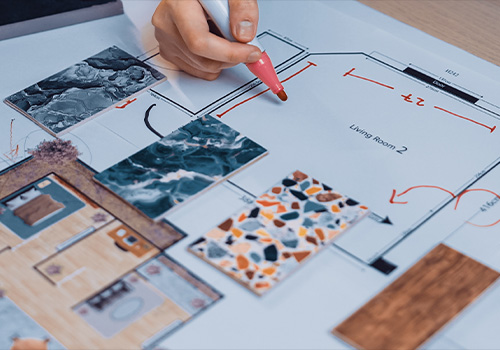
SketchUp is all about visual ideas. Our models are lightweight and clean — perfect for conceptual design, interior renderings and client presentations.
Browse and download thousands of SketchUp models from the 3D Warehouse. Find furniture, workstation, applications and more for your designs.
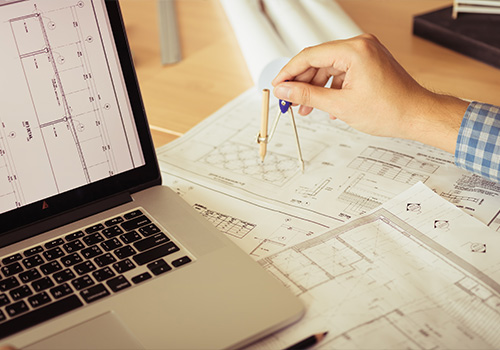
CAD still rules the documentation world. These DWG furniture blocks give you clean precision without the cleanup.
Explore immersive VR-ready DWG files for digital world environments. Compatible with AutoCAD and major design platforms.
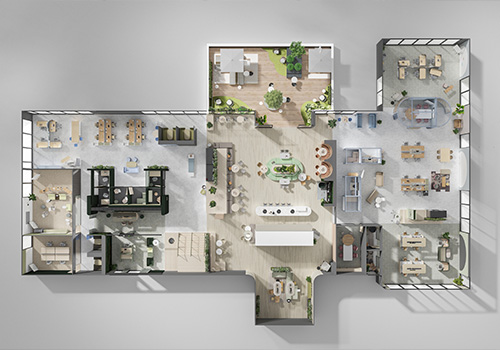
Need quick inspiration to kick off a design concept? Our Idea Starters provide ready‑to‑use renderings curated for various workplace settings, campaigns and design themes. Each concept is crafted to help you visualize real‑world applications faster — saving you time during early planning and client conversations.
Discover fresh design inspiration for space planning, storytelling and client presentations.
Curated references, process guides, and visual inspiration authored by our design team.
Curated material collections for every project typology — from hospitality to workplace environments.
Can't find what you're looking for? Reach out to the team directly.
Report an issue
If a resource contains outdated or incorrect information, email us and we'll look into it promptly.
The platform is a centralised reference hub for A&D professionals. You'll find firm playbooks, our lookbook, colour and materials libraries, design guides, and idea starter references contributed by our design team. Everything is organised to support your project workflow from early concept through to specification.
We provide a range of file types to support different stages of your design workflow. Here's what's available:
Assets are hosted across dedicated libraries depending on the file type. Use the links below to access each source:
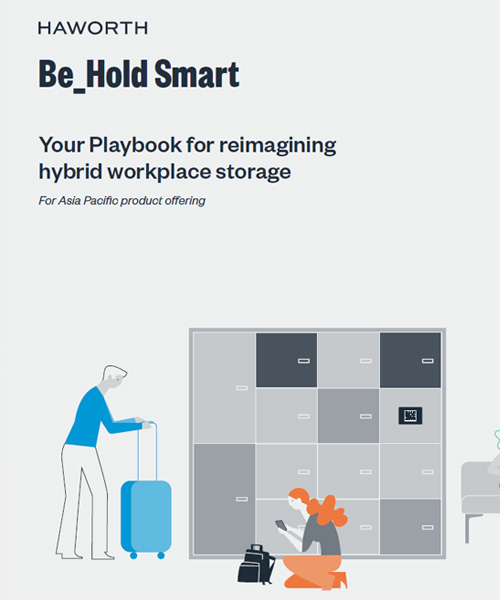
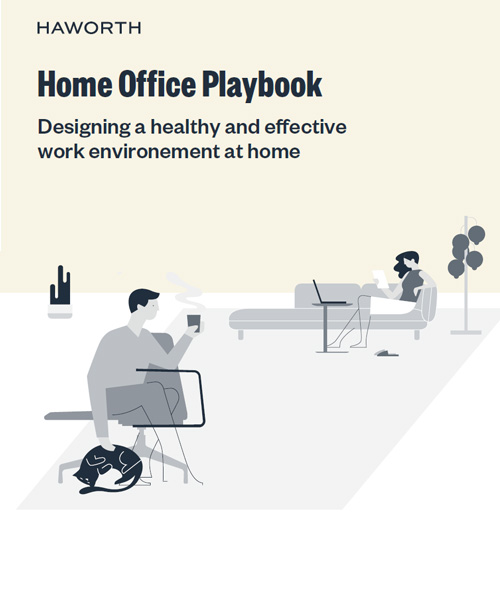
Playbooks are structured, step-by-step process guides developed by our design team to standardise how we approach recurring project types and design challenges. Think of them as the firm's institutional knowledge in document form — they outline recommended workflows, decision checkpoints, and quality benchmarks your team should follow on applicable projects.
Design guides are curated reference documents authored by our design team, covering topics such as spatial planning principles, lighting strategies, material pairings, and typology-specific considerations. Idea starters are lighter inspiration briefs — including mood references, spatial concepts, and precedent examples — designed to help teams overcome early-stage creative blocks. Both are best used at project kick-off or during design review sessions.
Resources are updated on a rolling basis — playbooks and design guides are reviewed seasonally, while product catalogues and materials libraries are refreshed as supplier information changes. You can subscribe to update notifications for any resource or category via your account preferences to receive alerts when new versions are published.