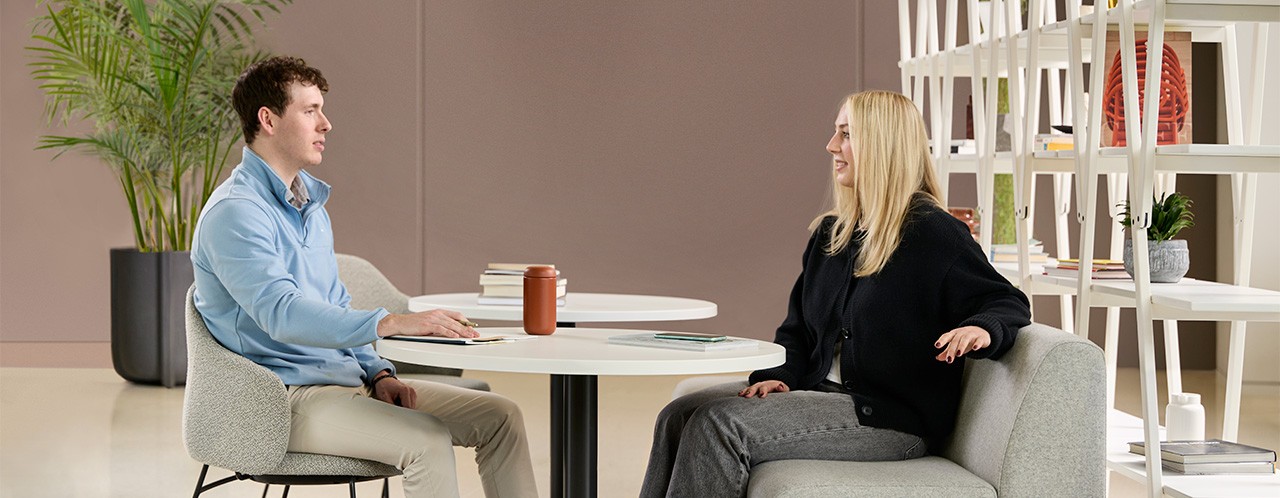
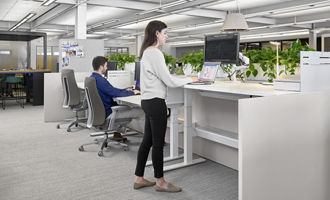
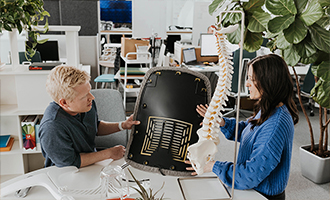
There are many different spaces for people to work in the office today, including focus spaces for concentration, collaborative spaces designed for group work, restorative spaces that provide opportunities to recharge, and utility spaces used for tasks such as printing and copying. No matter what type of space you're using, work happens in all of them. Being aware of your posture and what your body is telling you is important because physical discomfort and pain can affect comfort, focus, and productivity.
To help reduce discomfort while working, individual workstations are typically designed with ergonomic principles in mind, so users can adjust furniture to best fit their needs. Even so, it’s important to change positions, vary postures, and move throughout the day to reduce stress on muscles and joints and keep circulation going. This may include moving to a focus space, choosing a different workpoint for a change of scenery, or simply finding opportunities to move throughout the day.
Ergonomic Needs Remain the Same
Your ergonomic needs do not change simply because your location does. What changes is how each space can accommodate you, whether it’s a lounge setting, collaborative meeting area, or even an outdoor workspace.
Furniture in ancillary environments is often designed with fixed dimensions and limited adjustability, making it more difficult to tailor the ergonomic support to individual needs. Still, people choose these spaces for different activities throughout the day, for any number of reasons, from their residential feel to their privacy. So how can we make ancillary spaces as supportive as possible?
Adapting Seating for Better Support
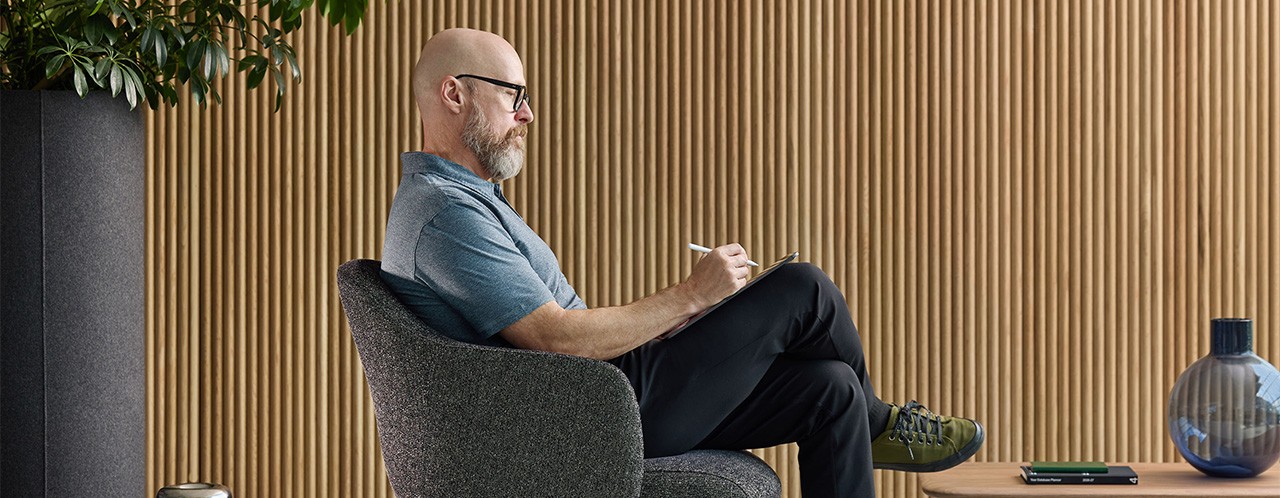
In ancillary spaces, chair and sofa seats may be too deep or too high for some people. That can force a choice between having adequate back support and keeping their feet flat on the floor. If you are working on a laptop, where do you place it? On a coffee table in front of lounge furniture, where it may sit too low and require you to round your back? Or on your thighs, which can contribute to heat-related discomfort?
In either scenario, sitting with unsupported limbs or a rounded back increases pressure on the intervertebral discs of the spine. This can result in discomfort because compressed discs can contribute to nerve and muscle strain. People often experience this in the lower back. While most people can sit in almost any posture for a period of time, the older we get, the more difficult it can be for the body to recover from prolonged periods in poor postures. This may make standing seem like the better option, but standing for extended durations can also create discomfort.
Ultimately, good posture, whether sitting or standing, is important because it supports proper bone and joint alignment, reduces stress on ligaments, and helps prevent muscle strain.
Improving Comfort in Ancillary Spaces
When working in ancillary spaces, look for ways to support your body's needs and maintain more comfortable postures. Since the furniture may not adjust to you, small adaptations such as using pillows, ottomans, or other furnishings to support your feet or back can help you adapt the space to fit your body.
For example, if a chair's seat height or depth is too great for you, consider placing a pillow between your back and the backrest of the chair. This will move you forward in the chair and help your feet reach the floor. Alternatively, find something to support your feet so you can sit fully back in the chair and use the backrest for support.
Quick Ergonomic Check-In
- Check that your feet are flat on the floor or supported.
- Ensure your back is supported.
- Keep your head upright.
- Relax your shoulders rather than rounding them forward.
- Maintain balanced posture from one side of your body to the other.
Making Laptop Work More Comfortable
No matter where you work, laptops can encourage awkward postures if they are not positioned properly. In ancillary spaces, it is especially important to set yourself up as effectively as possible.
If you are working from lounge seating, look for spaces that offer small tables that go over the seat, or tablet arms attached to seating. If those are not available, placing a laptop on a pillow can help protect your legs from heat; however, it should be considered a temporary solution. To minimize discomfort and strain, make sure the pillow creates a stable surface, maintain neutral wrist postures, avoid blocking ventilation openings, and take frequent posture and movement breaks.
If you've moved to a new workpoint to enjoy the view while working, be mindful of glare. Position yourself so sunlight does not create glare on your screen or cause you to squint, which can cause eye strain, fatigue, and headaches. Increasing screen brightness when working in brighter environments can also improve visibility.
Why Head Position Matters
Regardless of where you work, keeping your head upright helps reduce strain on your neck and shoulders. In a neutral upright position, your head weighs approximately 10 to 12 pounds. When working in spaces that offer limited ergonomic support, or when looking down at a phone or book in a restorative space, your head often drifts forward. This puts additional strain on your neck and shoulders.
With your head tilted forward just 15 degrees, the load on your neck feels similar to supporting a 30-pound head; at 45 degrees, it’s comparable to supporting a 50-pound head.
Small Adjustments Can Make a Big Difference
Small adjustments can help you work more comfortably and make the most of the flexibility, choice, and variety ancillary spaces provide. Before settling in, take a moment to assess how the space is supporting you and adjust where needed.
Check that your feet are flat on the floor or supported, your back is supported, your head is upright, your shoulders are relaxed rather than rounded forward, and your posture is balanced from one side of your body to the other. Small changes in how you use ancillary spaces can make a meaningful difference in comfort, focus, and long-term well-being.
Explore the Fundamentals of Ergonomics
Discover practical strategies for improving comfort, posture, and support across a variety of work settings.